
Today’s learning environment is more connected than ever. From primary school to university, students are using technology not just to study, but to excel. Gadgets that improve organisation, focus, and comprehension are helping to bridge gaps and enhance academic performance. This list covers 14 versatile, widely accessible tools that support a range of learning styles and study needs. Whether in the classroom, online, or on the move, these devices support a smarter approach to education.
Noise-Cancelling Headphones

Distractions can interrupt deep focus, especially in shared spaces. Noise-cancelling headphones help students concentrate during lectures, study sessions, or travel. By reducing background noise, they create a more controlled learning environment. Some models even feature ambient sound modes for safety in public places. They’re ideal for both classroom and remote learners who value quiet time.
E-Ink Tablets (Like the reMarkable or Kindle Scribe)

E-Ink tablets offer a paper-like reading and writing experience without the eye strain of backlit screens. Students can annotate PDFs, take handwritten notes, and organise subjects easily. These tablets often come with long battery life and minimal distractions. Ideal for reading-intensive courses, they combine digital convenience with analogue comfort. Their distraction-free design helps maintain focus during note-taking and review.
Smart Pens (Like the Livescribe Symphony)

Smart pens record spoken lectures while syncing with handwritten notes in real-time. This dual function allows students to replay key moments just by tapping their notes. They’re especially helpful for visual or auditory learners. These pens also support organisation by syncing data with apps or cloud storage. For students with learning differences, they offer valuable reinforcement.
Portable Document Scanners

With portable scanners, students can digitise handouts, textbooks, and handwritten notes instantly. These tools are compact and perfect for backpack storage. Many models come with OCR (optical character recognition) for converting scanned images into editable text. This is particularly helpful for those who like to annotate or search through documents easily. It’s a smart upgrade for paper-heavy courses.
Digital Voice Recorders
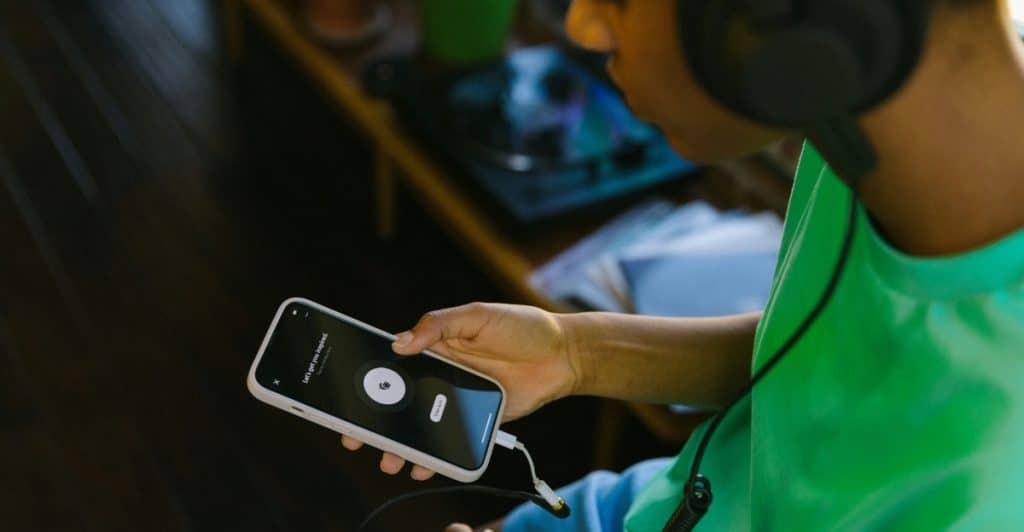
Capturing spoken content can be critical for understanding complex topics. Digital voice recorders offer higher audio quality and longer recording times than phones. They’re great for lectures, study group sessions, or interviews. Some advanced models even allow for voice-to-text conversion. For students who process information through listening, this tool is essential.
Bluetooth Keyboards for Tablets

Typing lengthy essays on a touchscreen can be limiting. Bluetooth keyboards allow tablets to function like full laptops without the bulk. They’re lightweight, portable, and make writing, note-taking, and online research more efficient. Many models also include built-in stands or trackpads. This is a helpful tool for students juggling between writing and browsing on mobile devices.
Smart Backpacks with Charging Ports
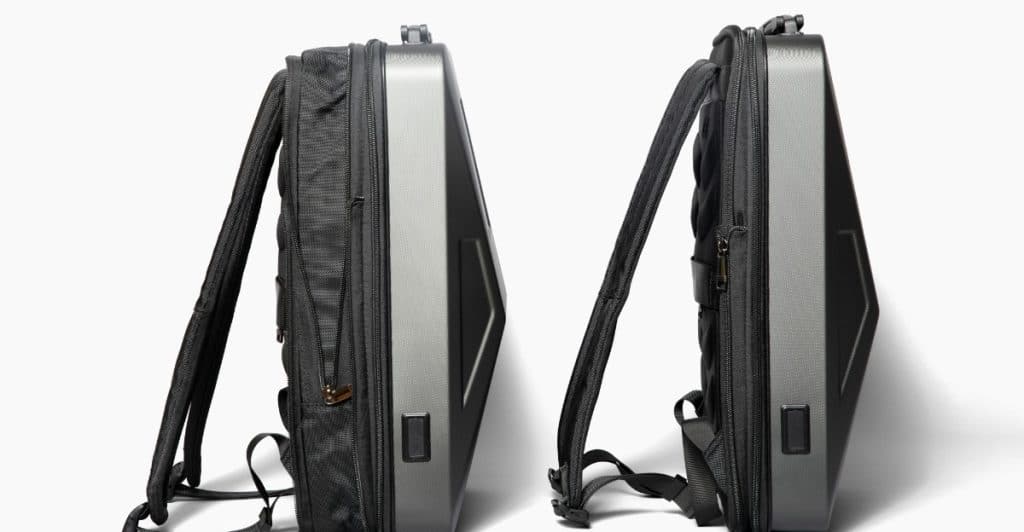
Smart backpacks feature built-in USB charging ports, anti-theft designs, and compartments for electronics. They allow students to charge devices on the go without digging through cables. Many are water-resistant and padded for tech protection. With today’s reliance on multiple gadgets, smart storage makes daily commutes smoother. These backpacks combine convenience with modern functionality.
Blue Light Filtering Glasses

Extended screen time can strain the eyes and disrupt sleep. Blue light glasses help reduce discomfort caused by digital devices. They’re especially useful during late-night study sessions or online classes. While they don’t enhance performance directly, they promote physical well-being during long study hours. Eye comfort supports sustained focus and productivity.
Smart Planners and Digital Calendar Displays

Time management is a key part of academic success. Smart planners or digital calendar displays sync with mobile devices and update automatically. These tools keep deadlines, schedules, and reminders visible and centralised. Some models even feature voice command support or touchscreen functionality. They help students stay on track with minimal mental clutter.
Laptop Cooling Pads
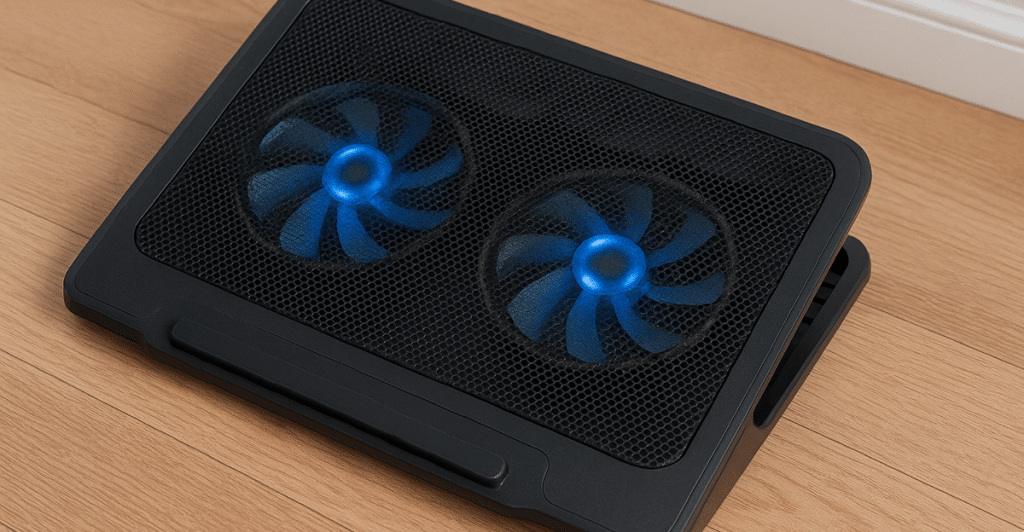
When students run demanding software or work in warm conditions, laptops can overheat. Cooling pads maintain optimal device performance and prevent slowdowns. They’re inexpensive and extend the life of laptops used for heavy multitasking or design work. Better hardware performance leads to fewer interruptions and smoother study sessions. It’s a practical tool for tech-heavy majors.
External Hard Drives and SSDs

Backups protect against data loss from crashes, theft, or corruption. External hard drives or SSDs provide reliable storage for large files, videos, and project folders. They’re critical for students dealing with high-volume coursework, such as engineering or film studies. Fast transfer speeds also save time when moving data. Backups are essential for academic continuity.
Digital Whiteboards and Smart Notebooks
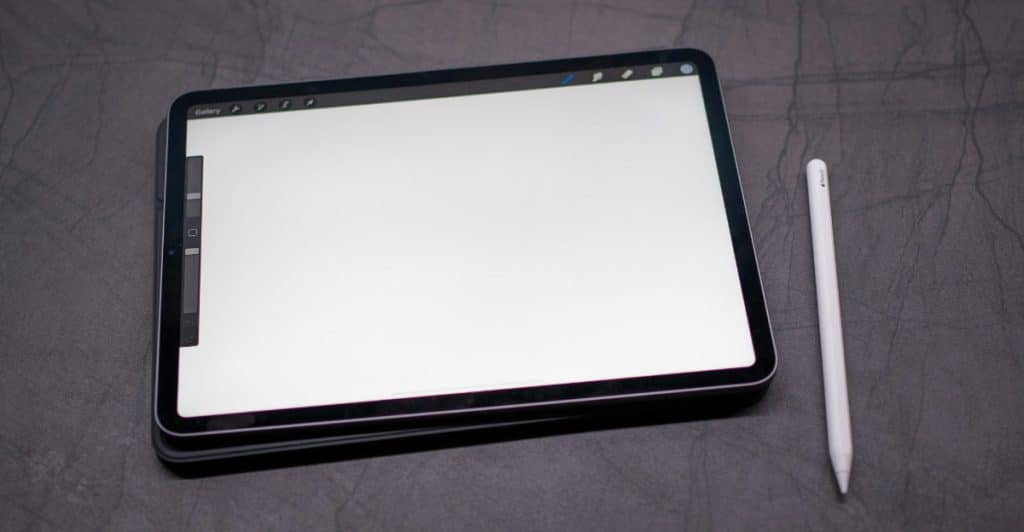
Smart notebooks like Rocketbook and small digital whiteboards allow handwritten input with digital sync features. Students can brainstorm, diagram, or map ideas visually and then store them in cloud apps. Erasable and reusable, they reduce paper waste while staying organised. These tools work well in both solo study and group project settings. They offer a tactile, tech-forward way to process complex ideas.
Adjustable Laptop Stands

Good posture affects focus and long-term health. Adjustable stands elevate screens to eye level, reducing neck and back strain. They improve typing ergonomics and enhance airflow to the device. Especially during long study hours, comfort can increase efficiency. Simple setup, big impact.
Final Takeaway – Smart Tools, Smarter Study

Tech gadgets aren’t just accessories, they’re assets in modern education. The right tools support better focus, organisation, comfort, and accessibility. Whether a student is studying remotely or attending in-person classes, these gadgets streamline how information is consumed and managed. It’s not about having the flashiest device, it’s about choosing tools that support personal learning needs. Efficiency, health, and clarity all benefit from thoughtful tech use.








Ask Me Anything