Productivity apps can dramatically enhance how tasks are managed, deadlines are met, and teams collaborate. With so many available tools, finding the right one depends on aligning features with specific needs and workflows. This guide explores 14 of the best productivity applications currently available, based on performance, usability, and versatility. Each app offers unique strengths that suit different work styles and environments. From task management to communication and note-taking, these apps represent the top-tier tools for boosting productivity. Discover the right solution to help streamline daily responsibilities and support goal achievement.
Todoist
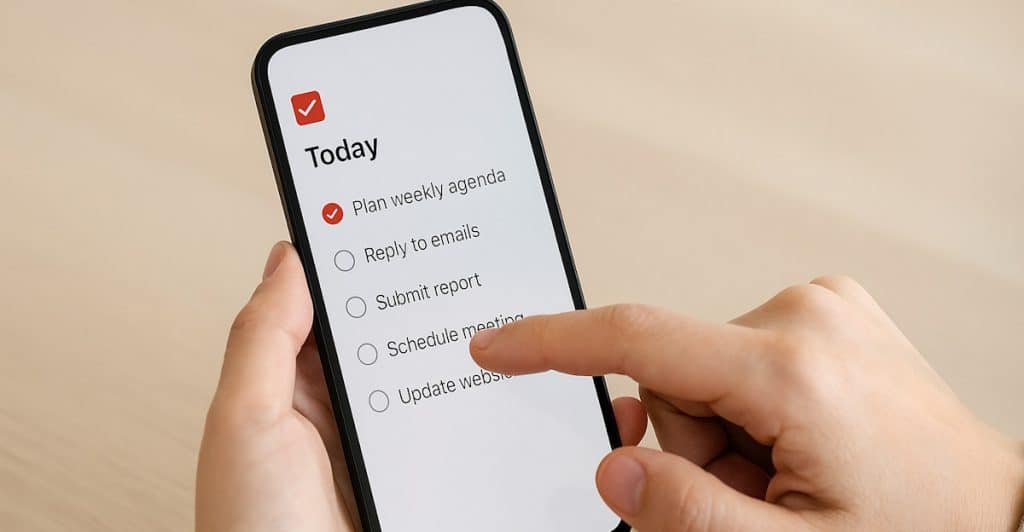
Todoist is a versatile task manager ideal for organizing both personal and professional responsibilities. It features intuitive labels, deadlines, and recurring tasks to help structure daily workflows. The app integrates seamlessly with calendars and email platforms. With its clean interface and cross-device support, it’s suited for individuals and teams. Its productivity reports provide helpful visualizations of progress over time.
Trello
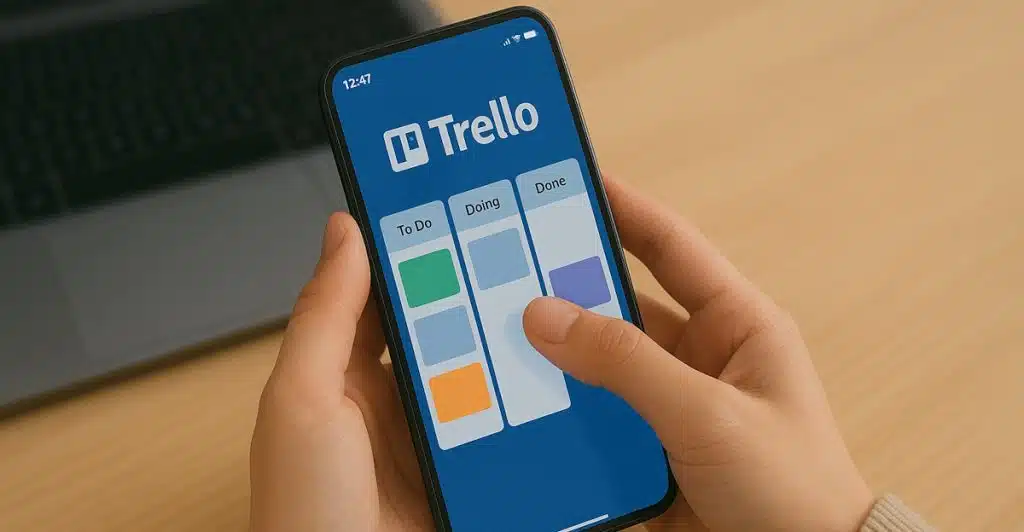
Trello uses a card-and-board system inspired by Kanban to manage projects visually. It’s excellent for tracking progress and managing collaborative workflows. Users can customize boards with checklists, deadlines, and attachments. Trello’s power-ups expand functionality with integrations like Google Drive and Slack. It’s particularly effective for teams managing multiple projects.
Asana
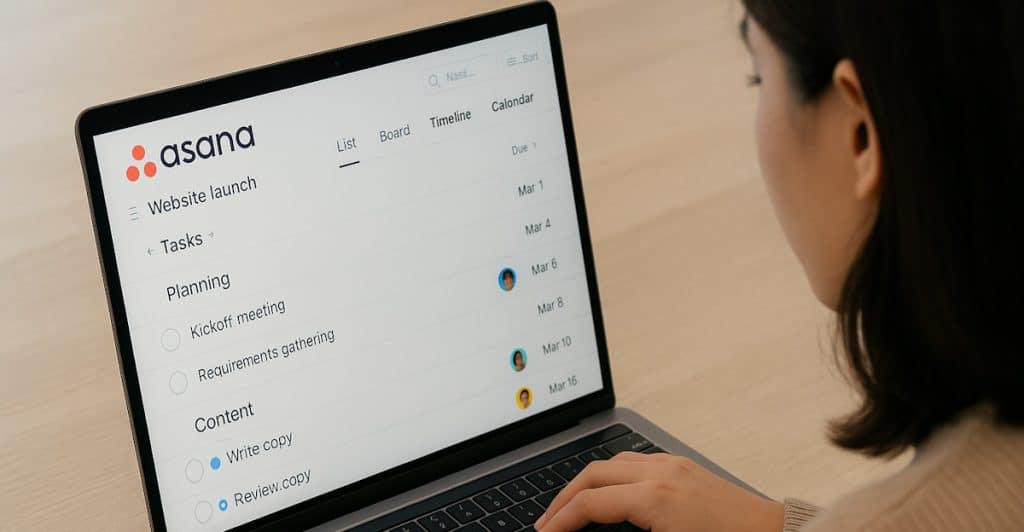
Asana offers robust project management tools with features designed for team collaboration. It supports timeline views, task dependencies, and goal setting. Asana helps break down complex projects into manageable parts with clear responsibilities. Integration with over 200 tools makes it flexible for diverse teams. Its clean design promotes clarity and accountability.
Clockify
Clockify is a free time tracker that supports manual and automatic tracking. It’s useful for freelancers, consultants, and teams looking to monitor billable hours or time spent on tasks. Clockify includes detailed reporting and timesheet features. It also integrates with apps like Trello, Asana, and Jira. Its ease of use makes it a top choice for time management.
Forest

Forest uses a gamified approach to focus and time blocking. Users plant virtual trees that grow as they avoid distractions and stay focused. If users leave the app early, the tree dies, encouraging self-discipline. It’s ideal for people who want to reduce phone time while working or studying. The visual growth metaphor reinforces positive work habits.
RescueTime
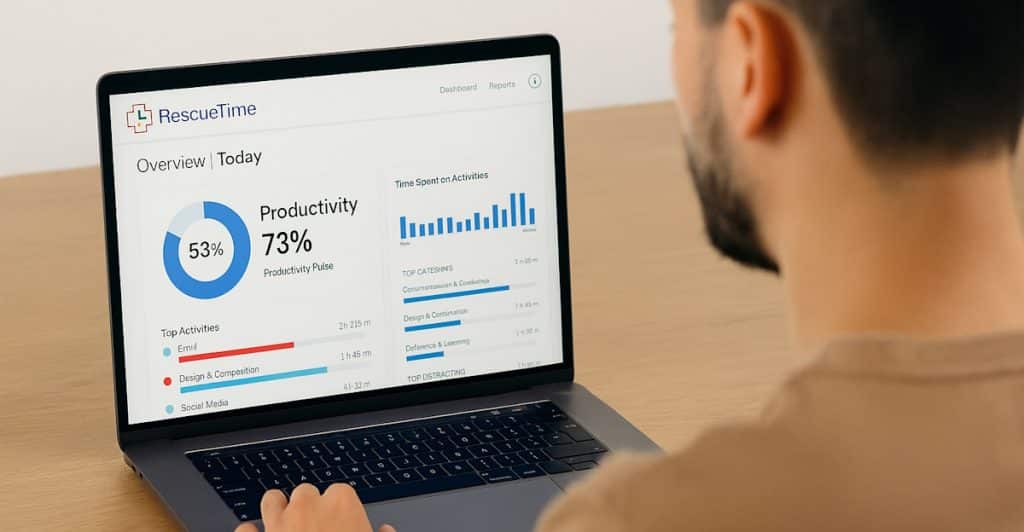
RescueTime runs in the background to analyze digital habits and productivity trends. It offers reports on time spent on websites and applications, helping identify distractions. Users can set goals and alerts to manage screen time more effectively. Premium versions include focus sessions and real-time alerts. It’s great for those who want data-driven insights into their work patterns.
Slack
Slack is a powerful messaging platform that replaces scattered emails with real-time, organized communication. Channels allow topic-specific discussions, reducing confusion. Slack integrates with hundreds of tools like Google Drive, Zoom, and Asana. File sharing and message searching are fast and reliable. It’s ideal for teams that value rapid collaboration.
Microsoft Teams
Microsoft Teams combines chat, video conferencing, and file sharing in one platform. It’s especially well-suited for organizations already using Microsoft 365. Teams allows structured collaboration with customizable tabs and integrated planning tools. Meetings and document collaboration can happen without switching platforms. It serves both corporate and educational settings effectively.
Zoom
Zoom offers high-quality video conferencing with features like screen sharing, breakout rooms, and webinars. It’s widely adopted across industries for both internal and external communication. Zoom supports up to 1,000 participants in premium plans. It integrates with calendar systems and project tools for streamlined scheduling. Its reliability and ease of use make it a staple for virtual meetings.
Notion
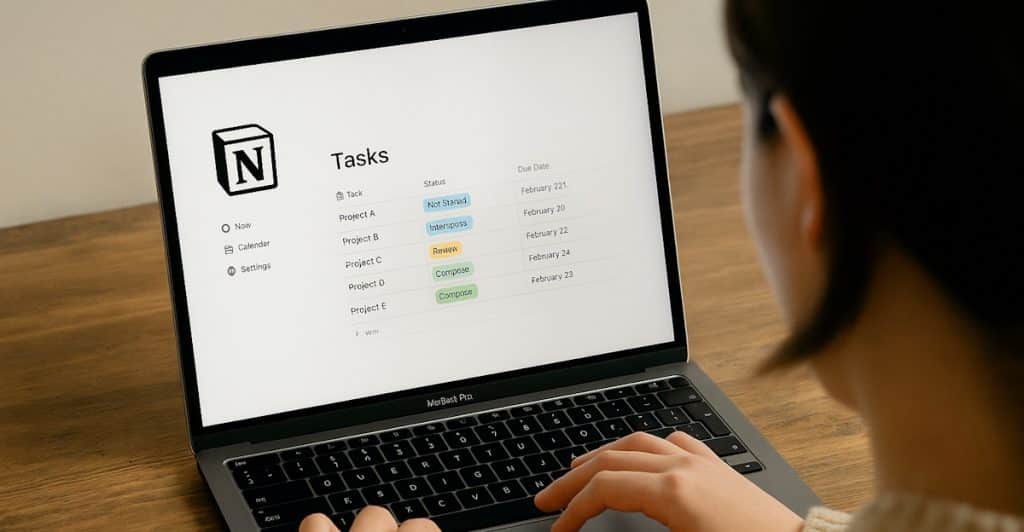
Notion is an all-in-one workspace that combines notes, databases, task management, and calendars. Its flexibility allows users to build custom workflows suited to their needs. Notion’s drag-and-drop interface supports deep organization and visual structuring. Teams use it for wikis, roadmaps, and collaborative planning. It’s ideal for users who want structure without sacrificing creativity.
Evernote
Evernote specializes in capturing notes, web clippings, and images in an organized digital notebook. It syncs across devices, ensuring information is always accessible. Features include search capabilities, document scanning, and integrations with productivity tools. Evernote supports both quick note-taking and detailed project documentation. It’s a reliable option for managing complex research or ideas.
Google Keep
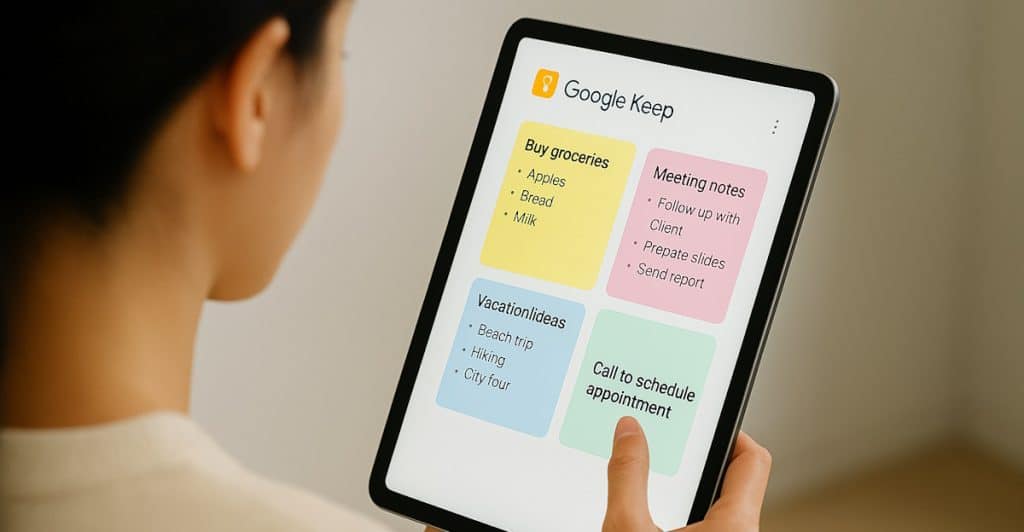
Google Keep is a lightweight, easy-to-use note-taking app. It supports voice notes, checklists, and color-coded labels. Notes sync automatically with Google Drive and are accessible across all devices. It’s perfect for quick reminders, brainstorming, and to-do lists. Simplicity is its strongest feature for fast and efficient idea capture.
Zapier
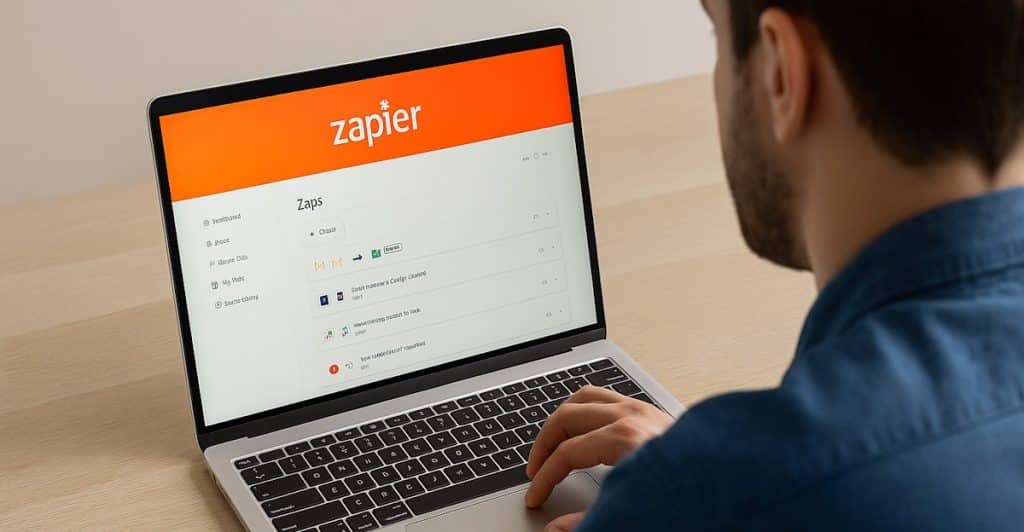
Zapier automates repetitive tasks by connecting multiple apps with “Zaps.” It supports over 3,000 app integrations, including Gmail, Slack, and Trello. Users can automate workflows like saving email attachments or updating spreadsheets. No coding is required, making it accessible to non-technical users. Zapier is ideal for those who want to save time through smart automation.
Airtable
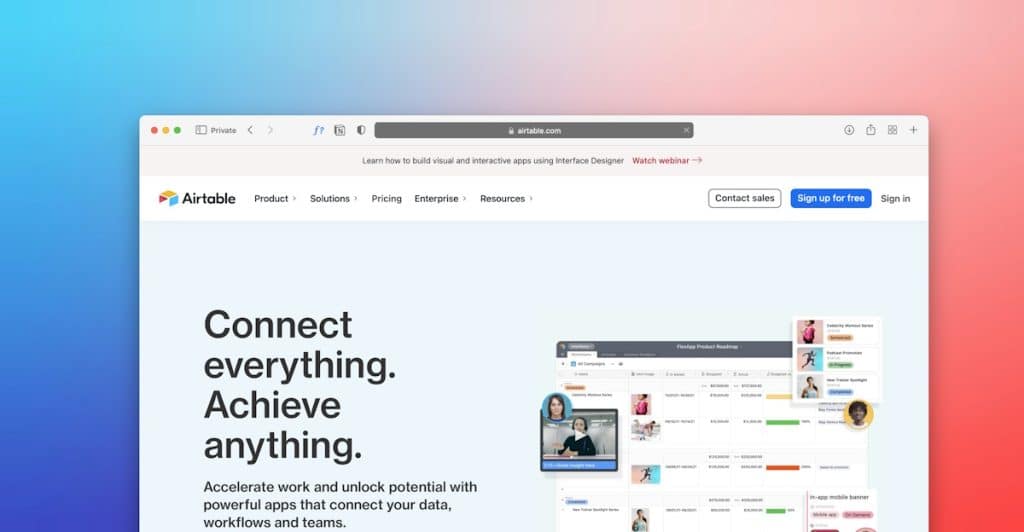
Airtable blends spreadsheet functionality with database features for flexible project management. It allows custom views like calendars, Kanban boards, and galleries. Airtable is useful for tracking content, inventory, or CRM data. Templates help users get started quickly. Its versatility supports teams across creative, technical, and business roles.
Conclusion

Choosing the right productivity app depends on aligning the tool’s strengths with your personal or team needs. Each of these 14 applications excels in a different area, from task management and communication to automation and note-taking. Incorporating the right mix of tools can help streamline work, enhance collaboration, and increase efficiency. Exploring and experimenting with these apps ensures you find the best fit. The result is a productivity system that supports your long-term goals and evolving work habits.








Ask Me Anything