
Building a smart home can yield multiple benefits. For one, it can drastically improve your daily comfort and convenience. From saving money on energy bills to boosting your home’s security, a well-designed smart setup can simplify your routines and elevate your everyday living. It can also give you more control over your space, whether you’re at home or halfway across the world.
But before you start buying random gadgets and installing them, you need a game plan. Thoughtful planning helps you avoid compatibility issues, unnecessary expenses, and tech that ends up gathering dust. If you’ve always wanted to transform your home into a smart tech haven, here’s a step-by-step guide to help you achieve that.
List Down Your Goals

Why do you want a smart home in the first place? Whether it’s increased security, lower electric bills, or anything in between, get specific. Write down a list of your must-haves versus nice-to-haves. This list will serve as your North Star throughout the process. It’ll also help you avoid impulse buys that look cool but don’t serve your actual needs. A focused goal list keeps your build intentional–and on budget.
Audit Your Home

Are you doing a new build or a renovation? How far along are you in your smart home journey? Start by assessing what you already have so you don’t spend money on pieces you might already own. Which appliances or devices are smart-ready? Where are your pain points–lighting, heating, security? Map out which rooms could benefit most from automation. Knowing your home’s current state helps avoid redundant purchases and ensures everything works together seamlessly.
Settle On a Budget

If you’re building a new home or doing a renovation, make sure to take your transition into a smart home into account. Create a tech-specific line item in your budget. Factor in both the upfront device costs and any recurring subscriptions. Don’t forget installation and potential upgrades to your electrical or Wi-Fi systems. Budgeting early prevents sticker shock and ensures you can get what you actually want, not just what’s left over.
Consult with Experts

If you already have an architect and contractors, consult with them about how you want your smart home to function. They can help with pre-wiring, outlet placement, and future-proofing your setup. If you’re going the DIY route, consider bringing in a smart home consultant. A little expert input upfront can save you a lot of headaches (and rewiring) down the line.
Decide on an Ecosystem
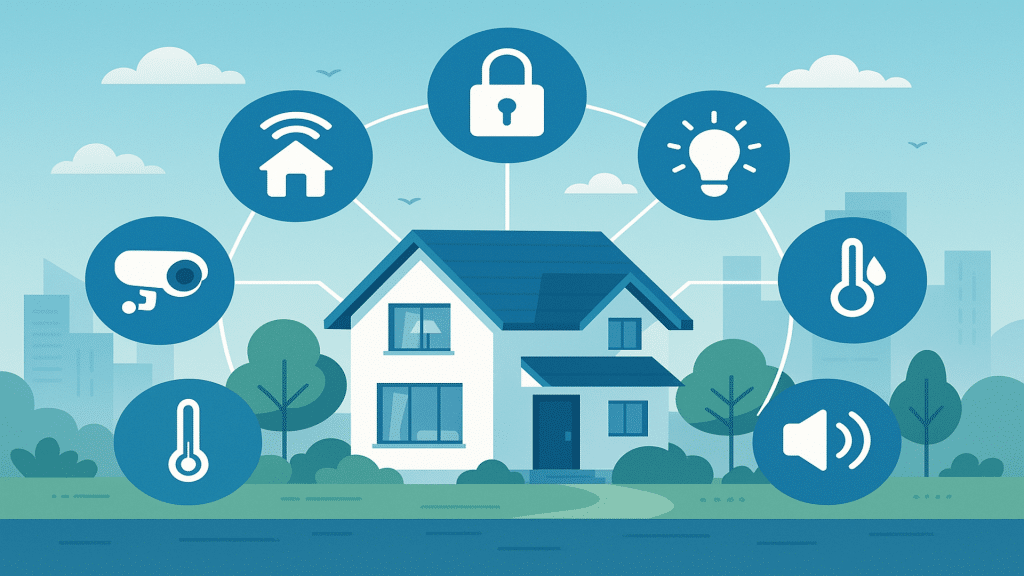
A smart home ecosystem is the platform that ties all your devices together. Think Apple HomeKit, Google Home, or Amazon Alexa. Choose one based on your existing devices, comfort with the platform, and compatibility with the gadgets you want. Mixing systems can lead to app overload and missed connections. Consistency here = less friction later.
Choose a Hub
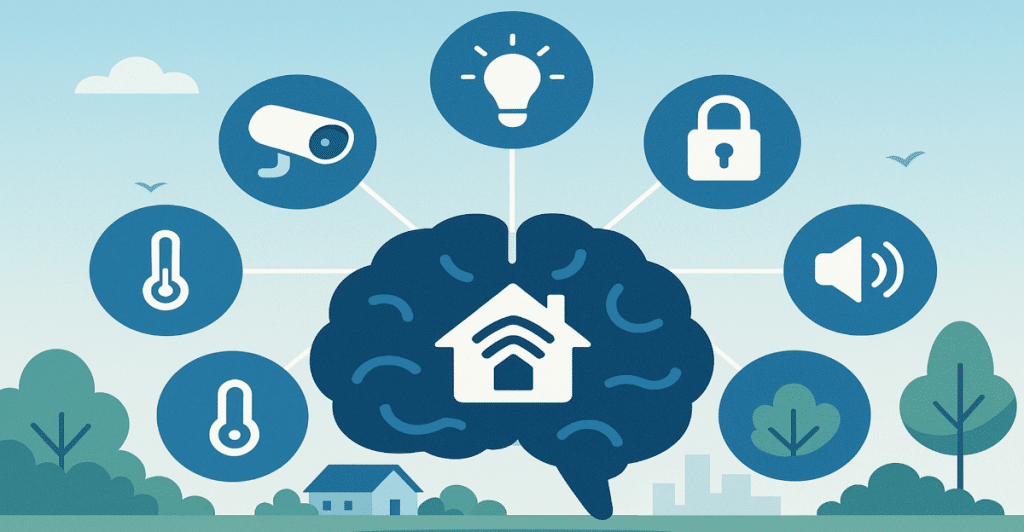
On the other hand, a smart home hub is where everything converges together. You can think of it as the “brain” of your entire system and setup. It keeps all your devices talking to each other, especially when they come from different brands. Hubs can also enable automations, like turning off all lights when you leave the house. Choose one that’s compatible with your ecosystem and flexible enough to grow with your setup.
Pick Your Devices
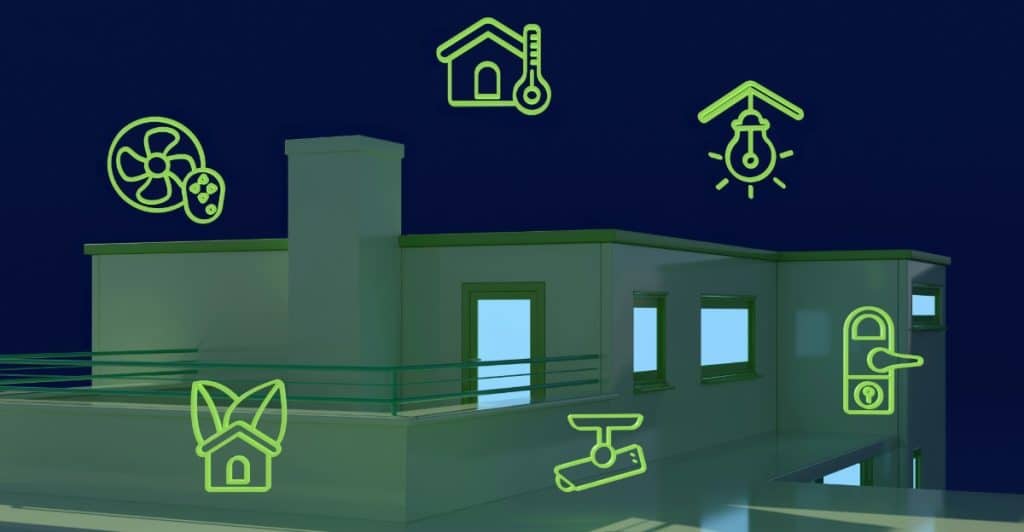
Once you’ve decided on an ecosystem and hub, it’s time for the fun part: Actually picking your devices. Start with essentials: lighting, thermostat, and locks, before moving to “nice-to-haves” like smart speakers or robot vacuums. Read reviews, check compatibility, and avoid trendy gimmicks that won’t have use for you next year. Choose quality over quantity to build a smart home that actually feels smart.
Look at Lighting
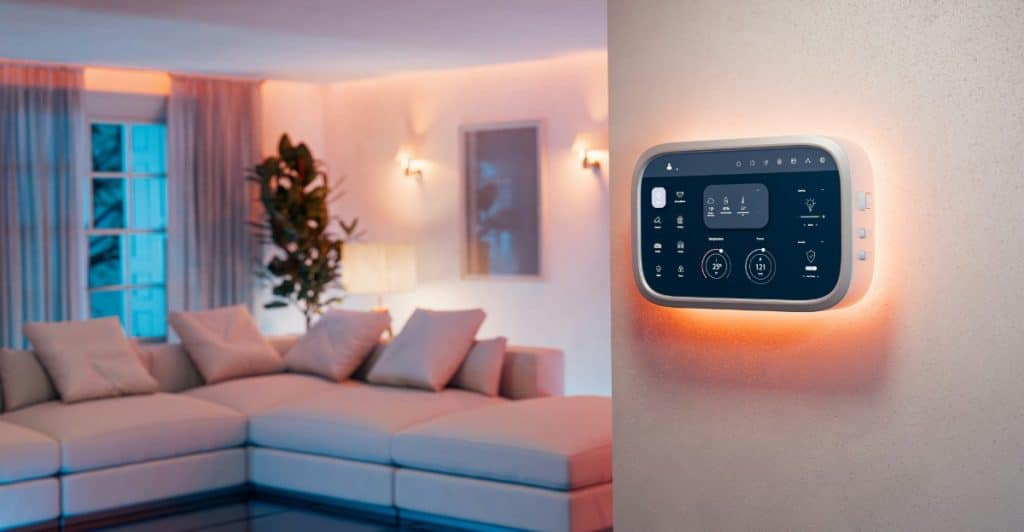
Smart lighting is an excellent choice because it instantly upgrades convenience and ambiance. Start with rooms you use most: Bedrooms, living room, kitchen. Consider bulbs with adjustable color and brightness. Automate schedules or use motion sensors to reduce energy use. Don’t forget dimmer switches and smart light strips to really elevate the vibe. Just imagine having a neon light for when you and your friends have a game or movie night!
Optimize the Thermostat
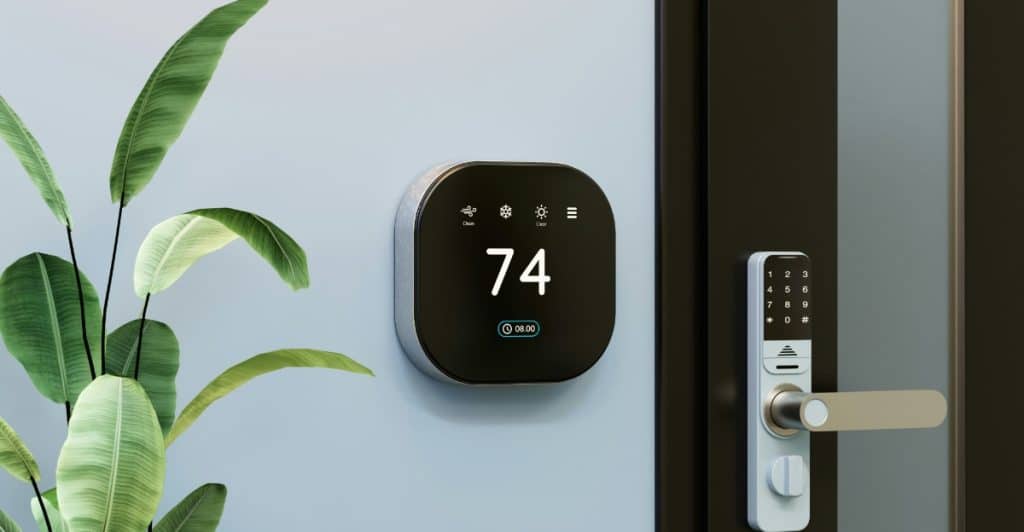
Smart thermostats can save you money and make your home more comfortable. They learn your habits and adjust heating or cooling automatically. You can control them remotely, set schedules, and get alerts when you’re using more energy than usual. Some even integrate with weather data to adjust in real time. It might be a tiny upgrade, but it ultimately yields big results and benefits.
Choose Your Smart Locks

If increased home security is your priority, smart locks are a no-brainer and must be worked into your budget. You can ditch keys and control access with codes or your phone. Grant temporary access to guests or deliveries, and get notified when someone enters. Make sure to choose a lock that works with your ecosystem and still allows manual entry in case of power outages.
Invest in Security Cameras

If you have kids, pets, and other valuable possessions around your property, security cameras can help increase your sense of safety and security. Choose indoor and outdoor models with motion detection and night vision. Make sure your cameras store footage securely, either in the cloud or locally. And always check local laws around recording in shared spaces, because the last thing you want is a lawsuit.
Buy Smart Plugs

If lower electricity bills is part of your list of goals, smart plugs are a great place to start. They let you control any plugged-in device remotely and monitor energy usage. Set schedules for appliances like coffee makers or fans. Turn off phantom loads when you’re not home. They’re cheap, flexible, and a perfect intro to home automation.
Opt for Smart Appliances
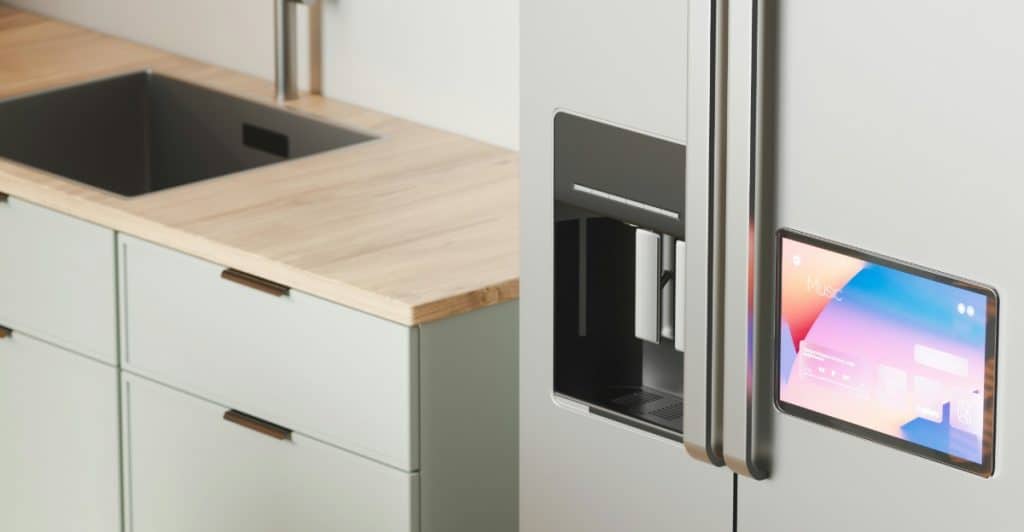
Like smart plugs, smart appliances can also work to lower your energy consumption, and not to mention, it can help save you one of your biggest resources–time. Think fridges that track groceries or ovens you can preheat from your phone. Focus on appliances you use daily and make sure they integrate with your ecosystem. Not every upgrade needs to be top-of-the-line, just thoughtfully chosen.
Follow Maintenance Instructions
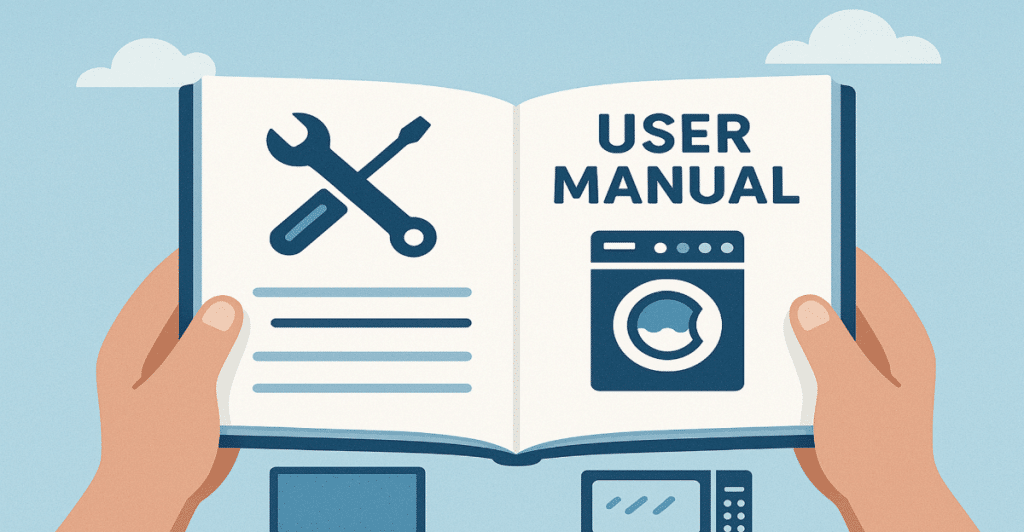
Once you have everything set up, make sure to follow the maintenance instructions to the letter to keep your devices working optimally for a long time. That includes firmware updates, battery replacements, and cleaning routines. Stay on top of app notifications and manufacturer tips. A well-maintained smart home lasts longer and saves you from annoying glitches.
Mind Your Lifestyle

And last but not least, ensure that everything you install and where you install them is serving to improve your life, not worsen it. Smart home automation should fit your habits, not create new ones you’ll forget. Keep your setup intuitive, don’t overcomplicate it, and make adjustments as your lifestyle changes. A truly smart home is one that adapts to you, not one you and your family have to adjust to or work your way around.







Ask Me Anything