
No matter your line of work, whether you work from home or in an office, there are plenty of ways you can build the minimalist tech setup of your dreams. And going minimalist really is the way to go, because who has the time, budget, and space for unnecessary equipment?
Here are 15 essential tips you need to know and follow in order to create a workspace that’s ergonomic, boosts productivity, and offers you everything you need for a day’s work.
Know What Type of Setup You Need
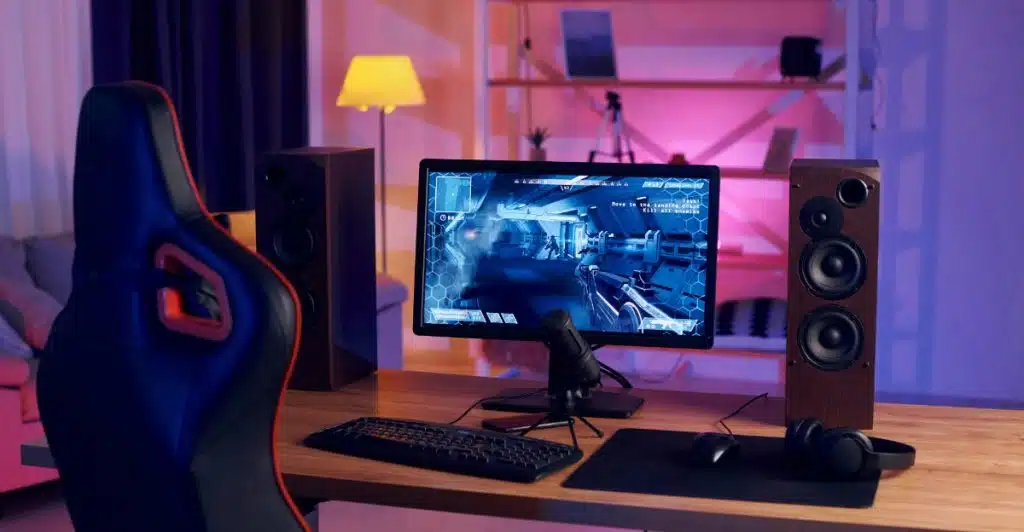
There are many desk setup styles to suit different needs and preferences. Here are some examples:
A traditional setup includes a desk, chair, and basics like a computer and notepad. Minimalist setups reduce clutter for better focus. Creative setups cater to artists and writers, with drafting tables and inspiration boards. Gaming setups include large monitors and specialized gear. Standing desks support better posture and movement. Home office setups emphasize comfort and storage for remote work. Dual monitor setups boost productivity by allowing multitasking. Collaborative setups feature large tables and tools like whiteboards for collaboration. Only you will know what setup fits your workflow and space best.
Do Not Neglect Ergonomics
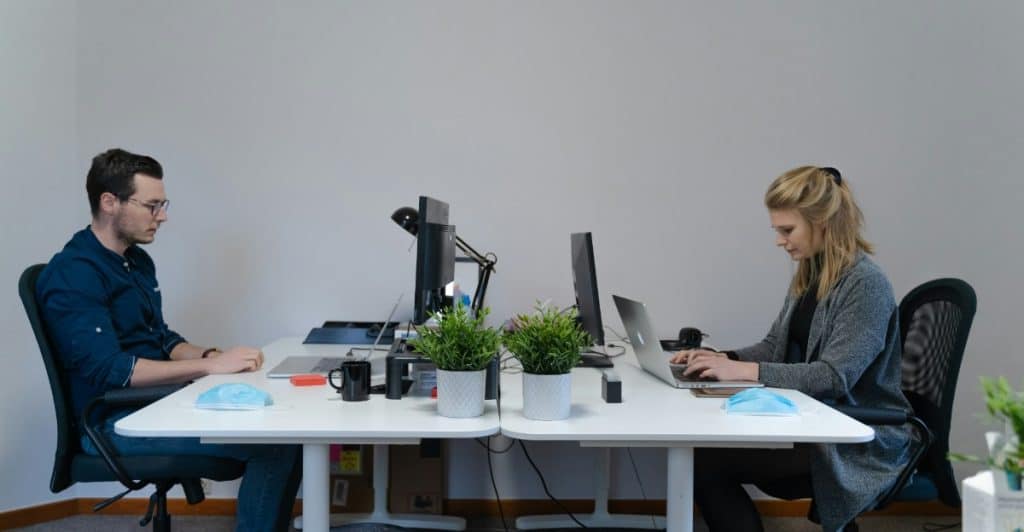
Do you feel back pain after a long day’s work? There’s probably a reason, and the reason is that your workspace is most likely not ergonomic. Ergonomics is not just about fancy chairs–it’s about how everything fits your body’s needs. Check your desk height. Adjust your chair so that your feet are flat on the ground. Make sure your screen is at eye level. Tiny shifts can reduce long-term strain, so prioritize comfort over aesthetics if you have to.
Invest in the Right Devices
We live in a capitalistic society, and the majority of, if not all, that we see on the internet is most likely posted to get us to buy something. If you’re building a minimalistic tech setup, however, you can’t fall into the trap of buying the first trending device you see.
Start with what you need and skip what looks good in Instagram reels. If something doesn’t add value to your daily tasks, or if reviews aren’t looking good, you probably don’t need it. Make each purchase intentional. Minimalism isn’t just about aesthetics; it’s about purpose.
Review Your Current System

Doing a digital audit will allow you to see what unnecessary steps and devices you currently have and strip down to what matters. Eliminate duplicates and consolidate where you can. Using apps like Notion can help you visualize and streamline your daily flow. What slows you down? What can be automated? A good system saves time, energy, and peace of mind.
Keep Your Desk Simple and Functional
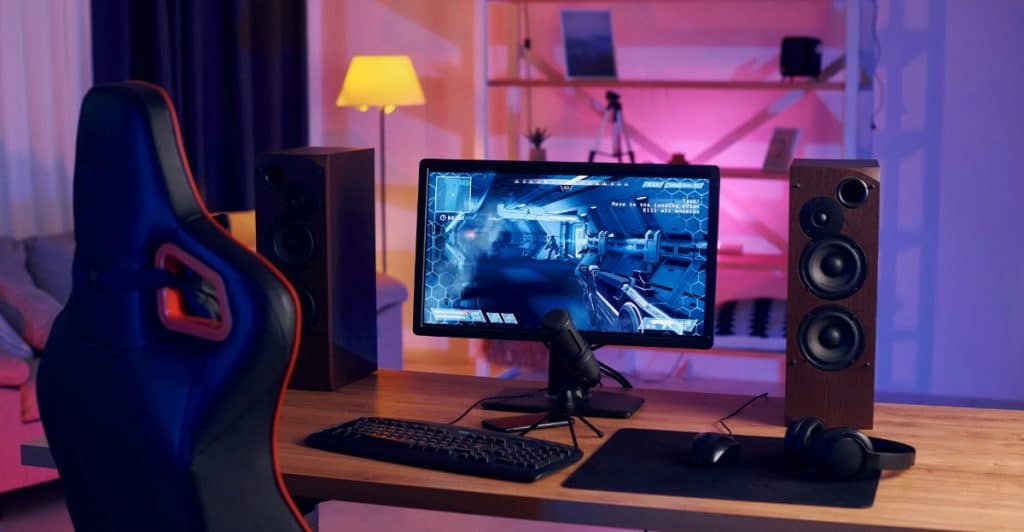
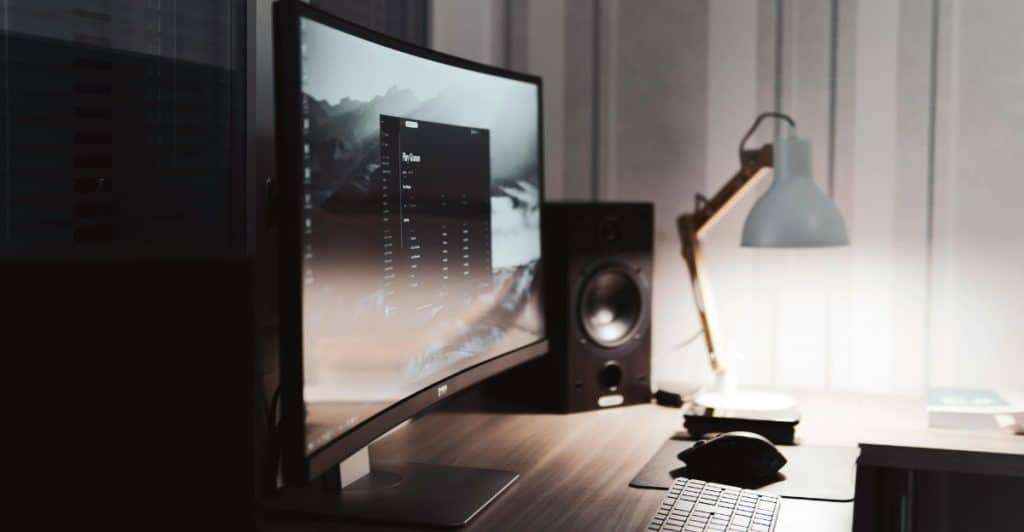
If you’re going for a minimalist setup, it’s important for your desk to have a sleek structure with neutral or basic colors. Consider skipping drawers unless you absolutely need the storage. Keep only what you use every day. A clean surface equals a clean mind. Let your desk breathe–no paper piles, no tech clutter. Use vertical space if needed, but keep the top clear. A minimalist desk doesn’t mean empty, just intentional.
Consider Just One Monitor

If you don’t absolutely need two screens, consider making do with your one monitor, which means your laptop screen. However, if two screens can help maximize your output, make sure they both serve a real function. Don’t buy a second monitor just because it looks cool. Think about your workflow. Will a second screen help or distract? Minimalism is about tools that serve, not just sit.
Look for a Sleek Keyboard and Mouse

An excellent keyboard and mouse combo is good for ergonomics. Moreover, many people report enjoying the ASMR aspect of the sound of a mechanical keyboard. Go for wireless for both devices, if possible. Choose a color palette that matches your desk setup. And don’t forget comfort–your hands will thank you. Whether tactile or silent, it should feel good and serve you well over long hours of work.
Invest in One Audio System

If you’re someone who lives in a noisy area and needs the quiet to focus, a top-quality pair of noise-cancelling headphones is a game changer. You don’t need five speakers or multiple pairs of earbuds. One good system is enough. Think clarity, comfort, and longevity. It’s an investment in both productivity and peace.
Upgrade Your Camera

Do you often have video calls with your workmates or bosses? If yes, you might need a camera that offers high definition as it evokes professionalism and eagerness to invest in good communication devices.
What’s the status of your laptop camera? If you want a minimalist tech setup but still need a high-quality camera, get one that’s plug-and-play. Keep it sharp, clean, and reliable, just like the rest of your gear.
Go Wireless
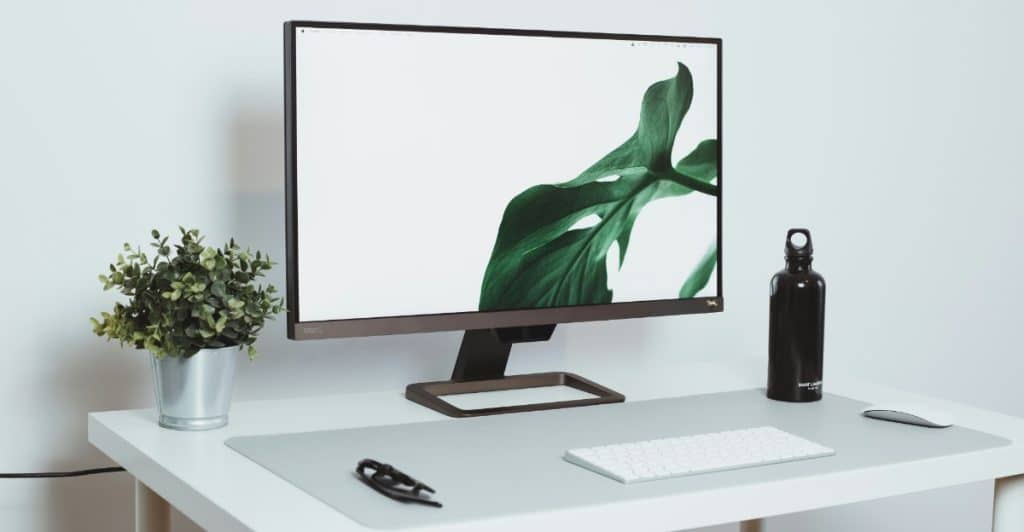
Going wireless for everything will help prevent unnecessary clutter. This means no cords running across your desk, and no getting tangled up when you stand. From your mouse to your charging station, wireless equals cleanliness. Just make sure everything stays charged. The fewer the wires, the fewer the distractions.
Don’t Neglect Lighting!
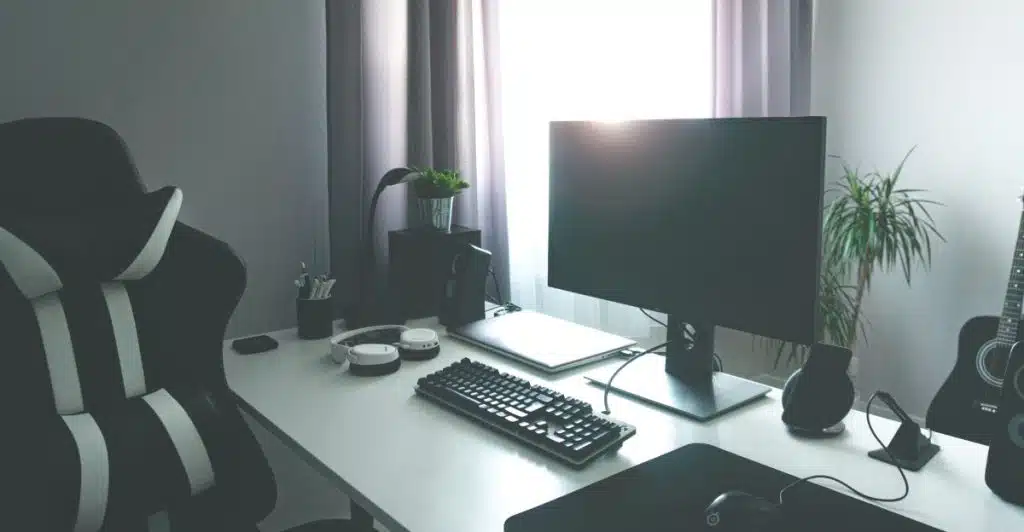
If you’re blessed enough to have a window in your office or workspace, position your desk in front of it to make the most of it. Natural light beats artificial–always.
If you don’t have a window, invest in a good desk lamp. Soft, warm lighting keeps you focused without straining your eyes. Lighting can shift your whole mood. Remember these two words when trying to set up an atmosphere: simple and cozy.
Look Into Cable Management
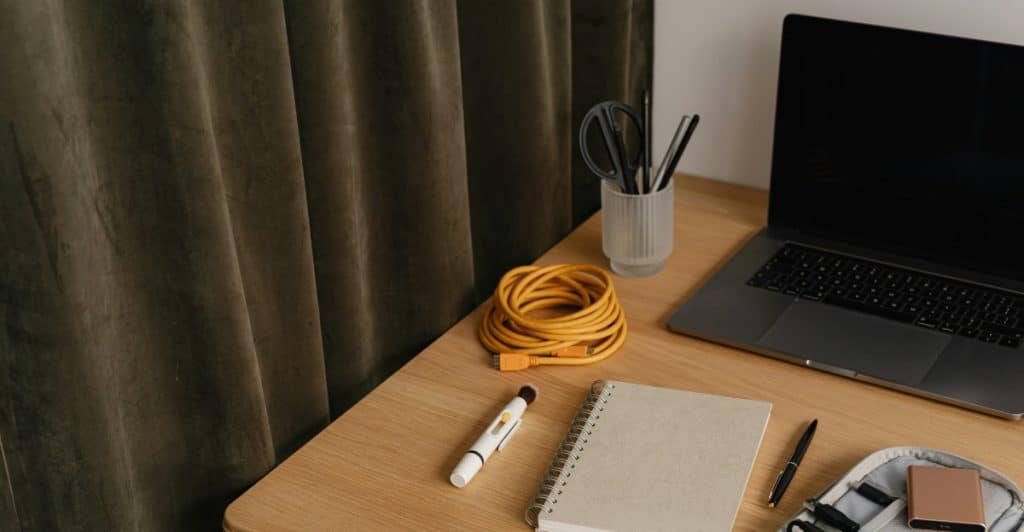
If you somehow still have plenty of wires in your workspace, hide them. Organize them. Tame them. Amazon offers plenty of cable management pieces that won’t cost you an arm and a leg, like velcro straps, cable trays you can hang, and adhesive clips. A cleaner look helps your mind stay clear too.
Consider Just One Brand for the Ecosystem

If you have the means, consider going for just one brand to have a seamless ecosystem where everything talks to each other. Your phone connects to your laptop. Your tablet mirrors your screen. No setup nightmares, no compatibility issues. It’s efficient, clean, and designed to be minimalist in nature.
For example, one of Apple’s best features is the Continuity suite, which allows for universal clipboard, signing into the same Apple ID on the same network, with Handoff and Bluetooth enabled. It’s incredibly handy and makes life so much easier!
Add a Touch of Personality
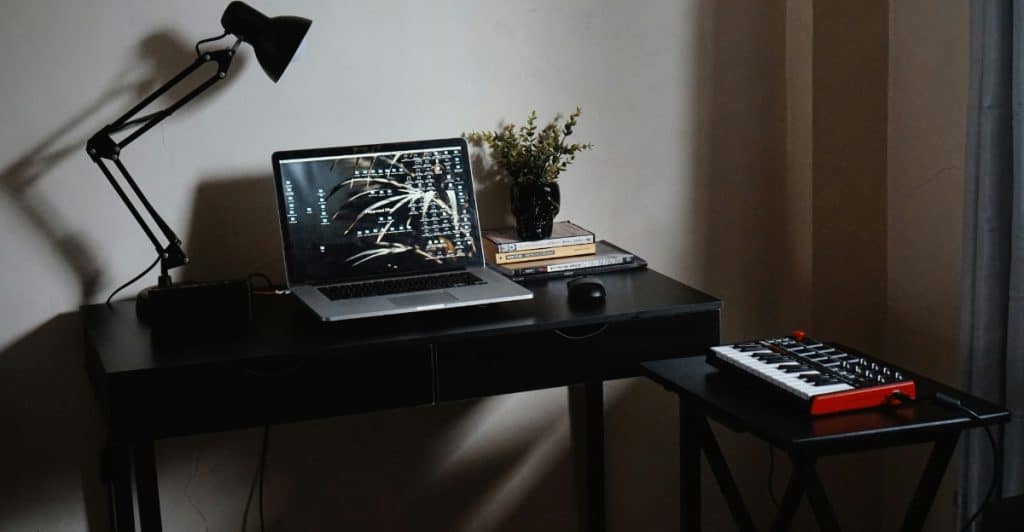
Just because your setup is minimalist doesn’t mean it has to be boring. If you have small trinkets that inspire you, consider adding two to three small pieces to your main desk. Or how about some polaroids with people you love? Or perhaps a small scented candle with a fragrance that relaxes or energizes you?
Adding personal touches will add warmth without adding clutter. One small plant. One framed quote. Just enough to make the space yours. Minimalism should reflect who you are, not strip it away.
Go Back to Minimalism Basics
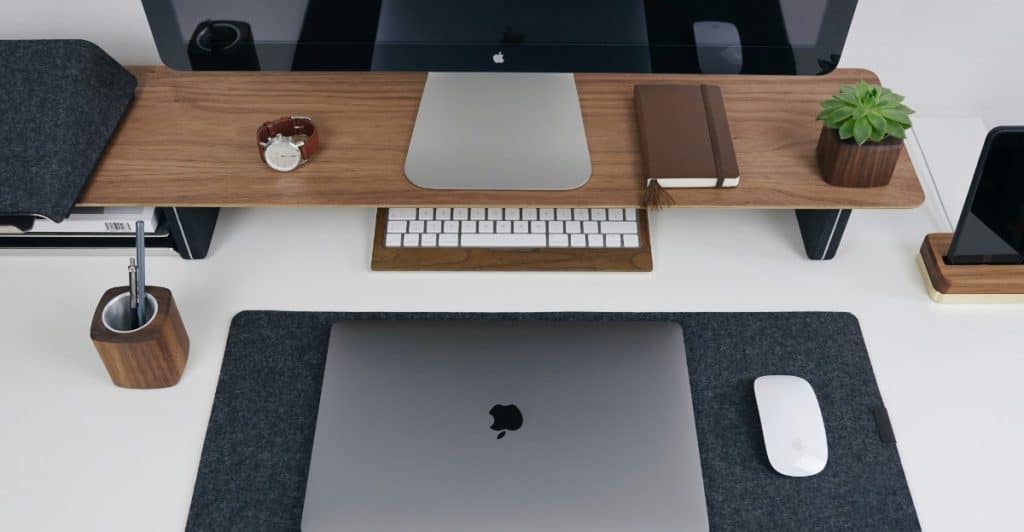
Minimalism isn’t about owning as little as possible; it’s about keeping only what you truly need and use. Be honest about what adds value to you. If it’s sitting unused, it’s just noise. Focus on essentials–tech or otherwise. It’s not a contest to own less; it’s a commitment to own intentionally.




Absolutely brilliant post! “15 Tips for Building a Minimalist Tech Setup to Maximize Productivity” is not just a tech guide—it’s a complete mindset shift. I loved how each tip focused on cutting clutter, boosting focus, and making intentional choices with your workspace. The idea of minimalism isn’t about having less—it’s about having exactly what you need, and this post explained that perfectly.
This kind of thoughtful content really helps professionals and students alike rethink their environment for better performance. In fact, the same principle of minimalism can be applied to everyday fashion too—like choosing clean, comfortable, and stylish options in categories such as the boy dress. Minimalism is about smart choices in all areas of life!
Thanks for sharing such valuable insight. Looking forward to more productivity-focused content like this!